
Your videos deserve more views, but without eye-catching thumbnails, even your best content gets lost in the noise. Thumbnails act as your video's first impression, and poor design can tank your click-through rate before viewers even see your title. The good news? Creators who invest time in thumbnail design see 20-40% higher CTR than those using auto-generated options. This guide walks you through proven strategies to create thumbnails that grab attention, drive clicks, and grow your channel in 2026.
Table of Contents
- Why Investing In Custom Thumbnails Matters
- Essential Design Principles For High-Impact Thumbnails
- Step-By-Step Process To Create Engaging Thumbnails
- Common Thumbnail Mistakes And How To Avoid Them
- Get Professional Help With Your YouTube Thumbnails
Key takeaways
| Point | Details |
|---|---|
| Custom thumbnails outperform auto-generated options | Custom thumbnails generate 14% more views on average compared to auto-generated alternatives. |
| Faces and contrast boost performance | Thumbnails with faces increase CTR by up to 20% while bright colors improve visibility. |
| Simplicity and honesty build trust | Clear, uncluttered designs that match video content improve watch time and viewer retention. |
| Mobile readability is essential | Over 70% of YouTube views happen on mobile, making text legibility critical for success. |
Why investing in custom thumbnails matters
Auto-generated thumbnails are random video frames that YouTube selects if you don't upload a custom option. They rarely capture your video's best moment or communicate its value. Custom thumbnails give you complete control over that crucial first impression.
The performance difference is measurable. Custom thumbnails significantly outperform auto-generated thumbnails with 14% more views on average. That's thousands of extra views over your channel's lifetime. When you consider that higher view counts improve your standing in YouTube's algorithm, the compound effect becomes even more powerful.
Investing effort in design pays dividends over time:
- Higher initial click-through rates bring more viewers to your content
- Better first impressions lead to longer watch times and improved retention
- Consistent quality builds brand recognition across your channel
- Algorithm favorability increases as engagement metrics improve
Pro Tip: Spend at least 30 minutes designing each thumbnail. The time investment is minimal compared to the hours you spent creating the video itself, but it directly impacts whether anyone actually watches your work.
Professional YouTube thumbnail designer services can accelerate this process if you need expert help creating consistently high-performing designs. Whether you design yourself or outsource, the key is committing to custom thumbnails for every upload.
Essential design principles for high-impact thumbnails
Great thumbnails follow specific visual principles that maximize their effectiveness across devices and viewing contexts. Understanding these fundamentals helps you create designs that consistently outperform competitors.
Human faces create emotional connections. Thumbnails with faces perform better, increasing CTR by up to 20% because viewers instinctively respond to human expressions. Use close-up shots with clear, exaggerated emotions. Surprise, excitement, or curiosity work especially well. The face should be large enough to read emotional cues even at small sizes.
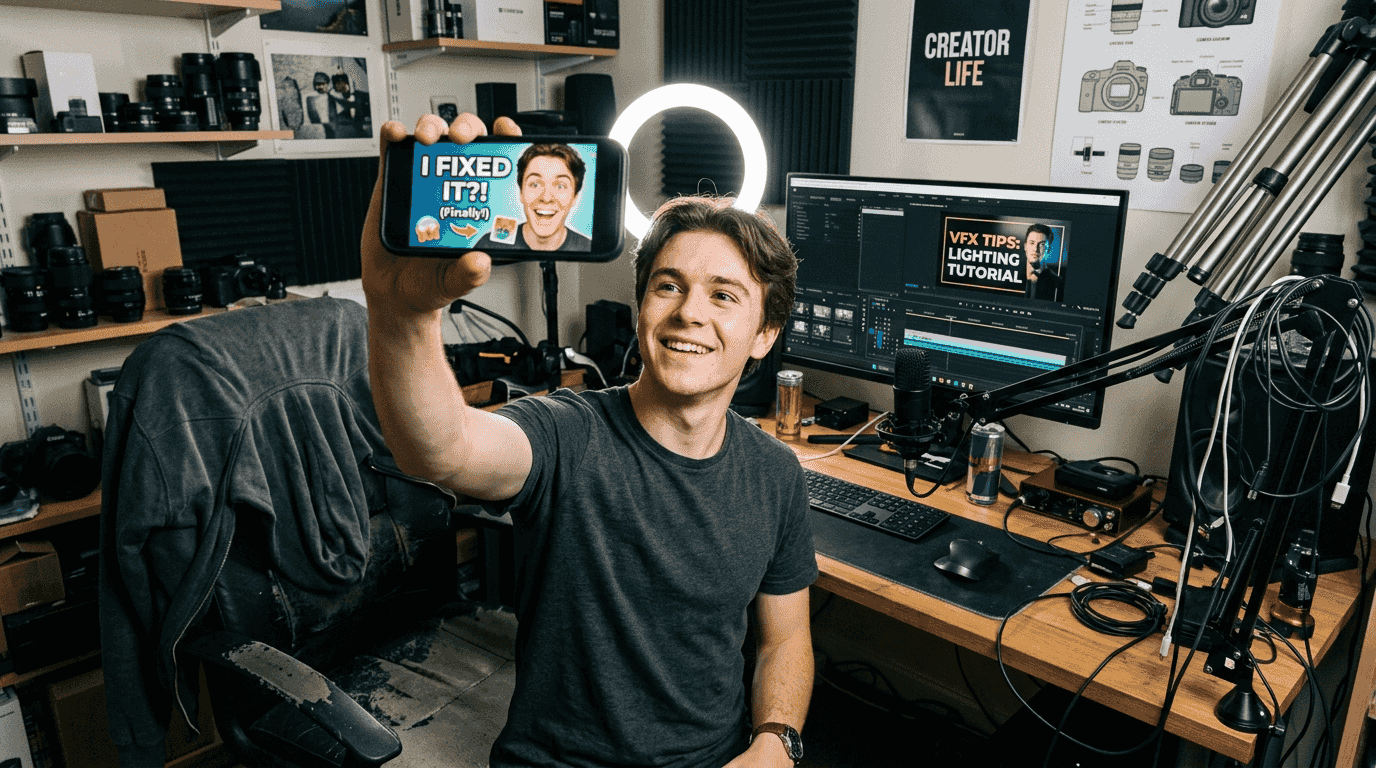
Bright colors and strong contrast grab attention in crowded feeds. 70% of successful thumbnails use bright, high-contrast color schemes to capture attention. Think bold primary colors against dark or light backgrounds. Poor color contrast makes thumbnails difficult to read, especially on mobile devices where most viewing happens.
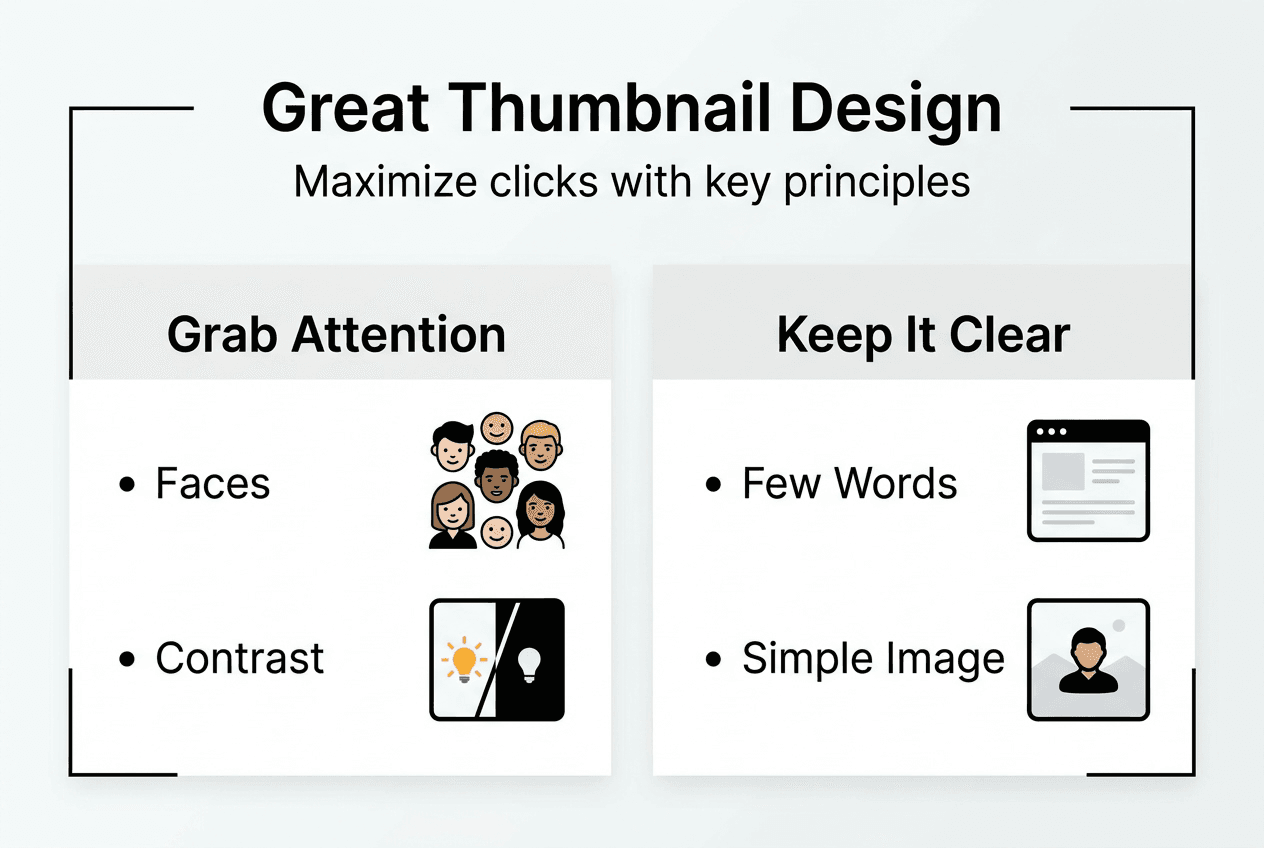
Simplicity beats complexity every time. Overcrowded thumbnails lead to lower click-through rates because viewers can't quickly grasp your message. Stick to one clear visual idea per thumbnail. If you need text, limit it to 3-5 words maximum in a large, bold font.
Mobile readability determines real-world performance:
- Test thumbnails at actual mobile preview size before publishing
- Use fonts that remain legible when scaled down significantly
- Avoid thin lines or small details that disappear on small screens
- Ensure your key visual element occupies at least 40% of the frame
Pro Tip: View your thumbnail design on your phone from across the room. If you can't immediately understand the visual message, simplify further.
Here's how different design elements impact performance:
| Design Element | Impact on CTR | Best Practice |
|---|---|---|
| Human faces | +20% | Use close-ups with clear emotions |
| High contrast colors | +15-25% | Pair complementary colors for maximum pop |
| Minimal text | +10-15% | Limit to 3-5 words maximum |
| Clear focal point | +12-18% | One dominant visual element only |
Professional thumbnail design services apply these principles systematically, ensuring every design element works together to maximize clicks while maintaining brand consistency across your channel.
Step-by-step process to create engaging thumbnails
Creating effective thumbnails follows a repeatable process that ensures consistency and quality. Follow these steps for every video you publish.
-
Plan your concept before filming. Decide on your thumbnail's core message and visual approach during video planning, not as an afterthought. This lets you capture specific shots or expressions during production that work perfectly for your thumbnail design.
-
Use the rule of thirds for composition. Position your key visual element at the intersection points of an imaginary grid dividing your frame into thirds horizontally and vertically. This creates natural visual balance that feels professional and draws the eye effectively.
-
Test clarity at mobile size. Export your design and view it at 320x180 pixels, the approximate size of mobile thumbnails in search results. If your message isn't instantly clear at this size, simplify your design or increase the size of key elements.
-
Match content honestly. YouTube's algorithm is heavily influenced by engagement in first 30 seconds, and thumbnails need to set correct expectations. Design thumbnails that accurately represent your video's actual content. Videos with misleading thumbnails experience a 30% decrease in average view duration because viewers feel deceived and leave quickly.
-
Create variations for A/B testing. Design 2-3 thumbnail options for important videos and test which performs best. YouTube Studio analytics show CTR data that helps you identify which design approaches resonate most with your audience.
-
Maintain brand consistency. Use consistent color palettes, fonts, and layout styles across your channel so viewers instantly recognize your content. This builds trust and improves click-through rates from subscribers who know to expect quality.
Pro Tip: Create a thumbnail template in your design software with your brand colors, fonts, and layout grid already set up. This cuts design time in half while ensuring visual consistency.
Here's how honest versus misleading thumbnails compare:
| Thumbnail Type | Initial CTR | Watch Time | Long-term Impact | | --- | --- | --- | | Honest representation | Moderate | High | Builds loyal audience | | Slightly exaggerated | Higher | Moderate | Acceptable if content delivers | | Misleading clickbait | Highest initially | Very low | Damages channel reputation |
A custom thumbnail creation guide can provide additional templates and workflows to streamline your production process while maintaining quality standards.
Common thumbnail mistakes and how to avoid them
Even experienced creators fall into predictable traps that undermine thumbnail effectiveness. Recognizing these mistakes helps you maintain quality as your channel grows.
Overcrowding kills clarity. Trying to communicate too many ideas in one thumbnail confuses viewers and reduces clicks. Stick to one clear visual message. If your video covers multiple topics, choose the most compelling one for your thumbnail rather than attempting to represent everything.
Low contrast makes text unreadable. Text that blends into your background becomes invisible, especially on mobile devices. Always use contrasting colors for text and background. Add a subtle drop shadow or outline to text if needed to ensure readability against varied backgrounds.
Inconsistent branding confuses your audience. Inconsistent branding makes it difficult for viewers to recognize content. Develop a visual style guide for your channel that defines:
- Primary and secondary color palettes
- Approved fonts and text treatments
- Logo placement and sizing guidelines
- Standard layout templates for different video types
Misleading imagery destroys trust. Misleading thumbnails lead to poor watch time and damage channel reputation. Using shocking images or false promises might generate initial clicks, but viewers leave quickly when content doesn't match expectations. This tanks your average view duration and signals to YouTube's algorithm that your content disappoints viewers.
Neglecting mobile testing wastes opportunities. Over 70% of YouTube viewing happens on mobile devices, yet many creators only check thumbnails on desktop screens. Always preview your designs on an actual phone before publishing.
"The best thumbnail is one that accurately represents your content while making viewers curious enough to click. Misleading designs might work once, but they destroy the relationship with your audience." - YouTube Creator Academy
Pro Tip: Keep a swipe file of competitor thumbnails that perform well in your niche. Analyze what makes them effective without copying their exact style, then adapt those principles to your unique brand.
Get professional help with your YouTube thumbnails
Mastering thumbnail design takes time and practice, but you don't have to figure it out alone. Professional thumbnail designers understand the psychology behind clicks and stay current with platform changes that affect performance.
Juridesign specializes in high CTR thumbnail design services tailored specifically for YouTube creators who want to maximize visibility. Their designers create engaging, platform-optimized thumbnails that match your brand while applying proven strategies to boost click-through rates. Outsourcing thumbnail creation saves hours each week while leveraging expert knowledge of color theory, composition, and viewer psychology. Whether you need ongoing support for regular uploads or help redesigning thumbnails for your back catalog, professional services deliver consistent quality that grows your channel faster. Explore custom YouTube thumbnails designed to turn casual browsers into engaged viewers.
FAQ
What is the ideal thumbnail size and resolution for YouTube?
YouTube recommends uploading thumbnails at 1280x720 pixels with a minimum width of 640 pixels. Use JPG, GIF, BMP, or PNG formats, with file sizes under 2MB. Maintaining a 16:9 aspect ratio ensures your thumbnail displays properly across all devices and viewing contexts without cropping or distortion.
How can I test if my thumbnail is effective before publishing?
Test thumbnail readability by viewing it at mobile size on your actual phone from several feet away. If the core message isn't instantly clear, simplify your design. After publishing, monitor your click-through rate in YouTube Studio analytics and compare it against your channel average. You can also create multiple thumbnail options and switch between them to identify which generates better performance.
Is it okay to use faces in thumbnails for channels that don't focus on people?
Thumbnails with faces increase CTR by up to 20% even for non-personal channels, but the faces should be relevant to your content. Emotional expressions attract clicks most effectively. For tech reviews, show someone reacting to the product. For educational content, use your own face to build personal connection with viewers. The key is ensuring the face adds context rather than feeling forced or irrelevant.
Can misleading thumbnails really harm my channel performance?
Absolutely. Misleading thumbnails cause a 30% drop in watch time and damage your channel's reputation with both viewers and YouTube's algorithm. Clickbait might generate initial clicks, but viewers leave quickly when content doesn't match expectations. This creates higher bounce rates that signal poor content quality to the algorithm. Consistently misleading thumbnails hurt your standing in recommendations and search results, making it harder to grow your channel over time.